
View purge history
Purge History displays a list of all the purge actions initiated for the site, and metadata about each action.
To see the purge history for a site:
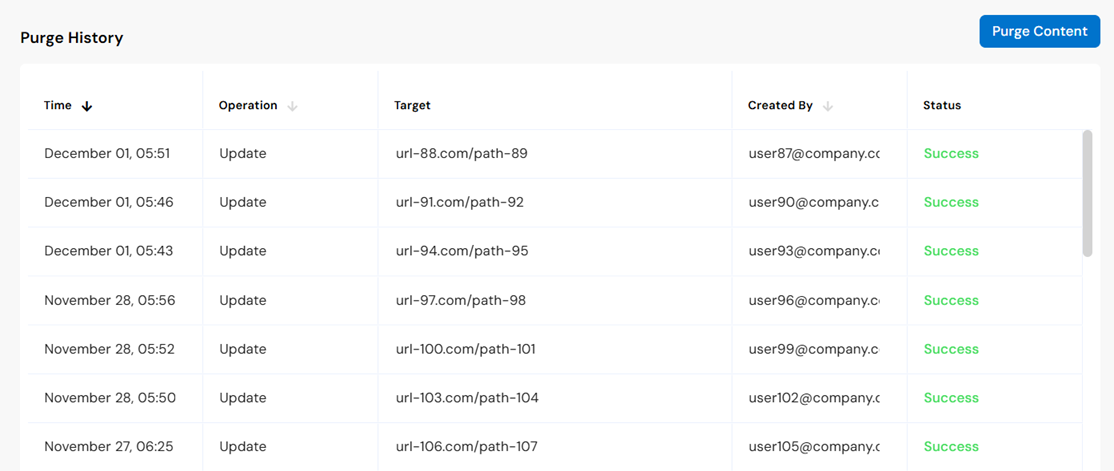
* **Time**: When the purge job was initiated.
* **Operation**: The purge operation type.
  * *Purge* - Removes content from the CDN cache
  * *Update* - Instructs the CDN to revalidate the content.
* **Target**: For a Purge by URL or Purge by Prefix operation, the paths or prefixes. For a Purge Site operation, "Full Site" is displayed.
* **Created By**: The user who initiated the Purge operation.
* **Status**: The status of the Purge operation.
  * *In Progress* - The purge job is in progress.
  * *Success* - The purge job is successfully completed throughout the CDN.
  * *Failed* - The purge job was not successfully completed throughout the CDN.
  * *Unknown* - Indicates an internal error.